Scene & Background
Location, surroundings and the setting of the shot.
🚀 Meet FastMoroAI!Instantly generate stunning AI images & videos.
Try it now →
Upload a reference video. Get a prompt with scene, action, camera and
style,
ready to copy and make your own.
Start with a clip you want to build on.
MP4, MOV, WebM and more · max 10MB
Preparing your account and video allowance. Please wait; if this persists, refresh the page.
Images and videos share your credits. The cost is shown before generation; copying is free.
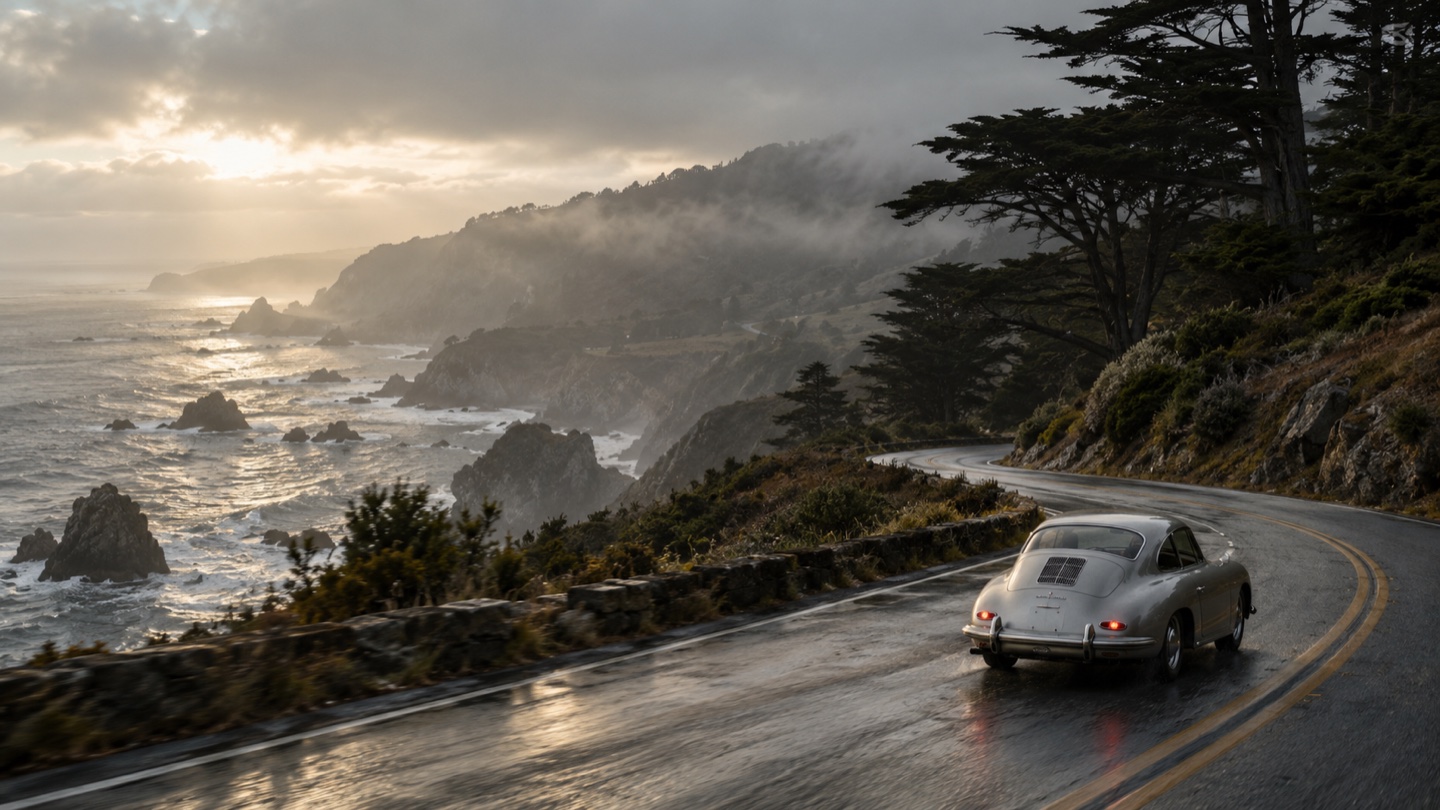
A winding coastal road beside a rocky shoreline, with dark trees and low mist.
A vintage silver coupe viewed from behind.
Suggested direction: the car moves slowly along the bend.
Rear three-quarter, slightly elevated framing. Suggested movement: a gentle tracking shot.
Soft sunlight through clouds, reflected on the wet road.
Cinematic realism, natural colors and fine film texture.
Suggested pacing: a slow, continuous shot.
Suggested exclusions: text, distorted proportions, flicker and excessive blur.
A vintage silver coupe moves slowly along a winding coastal road beside a rocky shoreline. Follow from a slightly elevated rear three-quarter angle in one gentle tracking shot. Soft sunlight filters through clouds and reflects on the wet road. Dark trees, low mist, natural colors and fine film texture create a cinematic atmosphere. Keep the pace slow and continuous.
A structured prompt with the visual building blocks, ready to review and customize.
Location, surroundings and the setting of the shot.
The visible people, objects or focal point.
What moves, and how the action unfolds.
Shot type, viewpoint and camera movement.
Light source, color, shadows and atmosphere.
Visual look, mood and artistic treatment.
The speed and rhythm of the visual sequence.
Suggested visual artifacts to keep out.
Break a visual reference into scene, subject, camera and light. Keep what inspires you, then take the idea somewhere new.
Try with your video A rear three-quarter view with the road leading into the scene.
Sunlight through clouds, low mist and reflections on the road.
From a video you love to a prompt you can make your own.
Choose a file, drag it in, or paste a video. MP4, MOV, WebM and more. Free: 10MB; paid: 50MB.
The AI turns your visual reference into a draft with scene, action, camera, lighting and style.
Copy the full prompt or individual fields. Edit the draft and make it your own.
Use the draft in a tool that accepts text prompts, such as Sora, Veo, Kling or Runway. Review unclear details, keep camera directions consistent and check that tool’s duration and aspect-ratio controls separately. AI can make mistakes; this tool does not recover the original creator’s exact prompt or settings.
Formats, uploads and what to expect from your prompt.
MP4, MPEG, MOV, AVI, FLV, MPG, WebM, WMV and 3GPP files are supported, up to 10MB for free accounts and 50MB for paid accounts. Your browser must be able to read the clip's duration. Convert a file to MP4 if your browser cannot open it.
The result is a plain-text prompt, so you can paste it into a text-to-video tool that accepts written prompts. Describe Picture is not affiliated with those tools. Available controls and generated results vary between tools.
No. Upload the video file instead. Use a clip you own or have permission to use. You can choose a file, drag it into the upload area, or paste a video file from your clipboard while the upload area is focused.
Video to Prompt writes a prompt for making a similar video. Describe Video explains what is in the video itself, with a summary, transcription, highlights or scene analysis. For a prompt from a still image, use Image to Prompt.
Start with a reference, explore the details and make something new.