Image to prompt for FLUX, Midjourney and Stable Diffusion
Start from one reference and choose a flexible General prompt or a format written for FLUX, Midjourney or Stable Diffusion. Take the resulting text into your preferred image workflow.
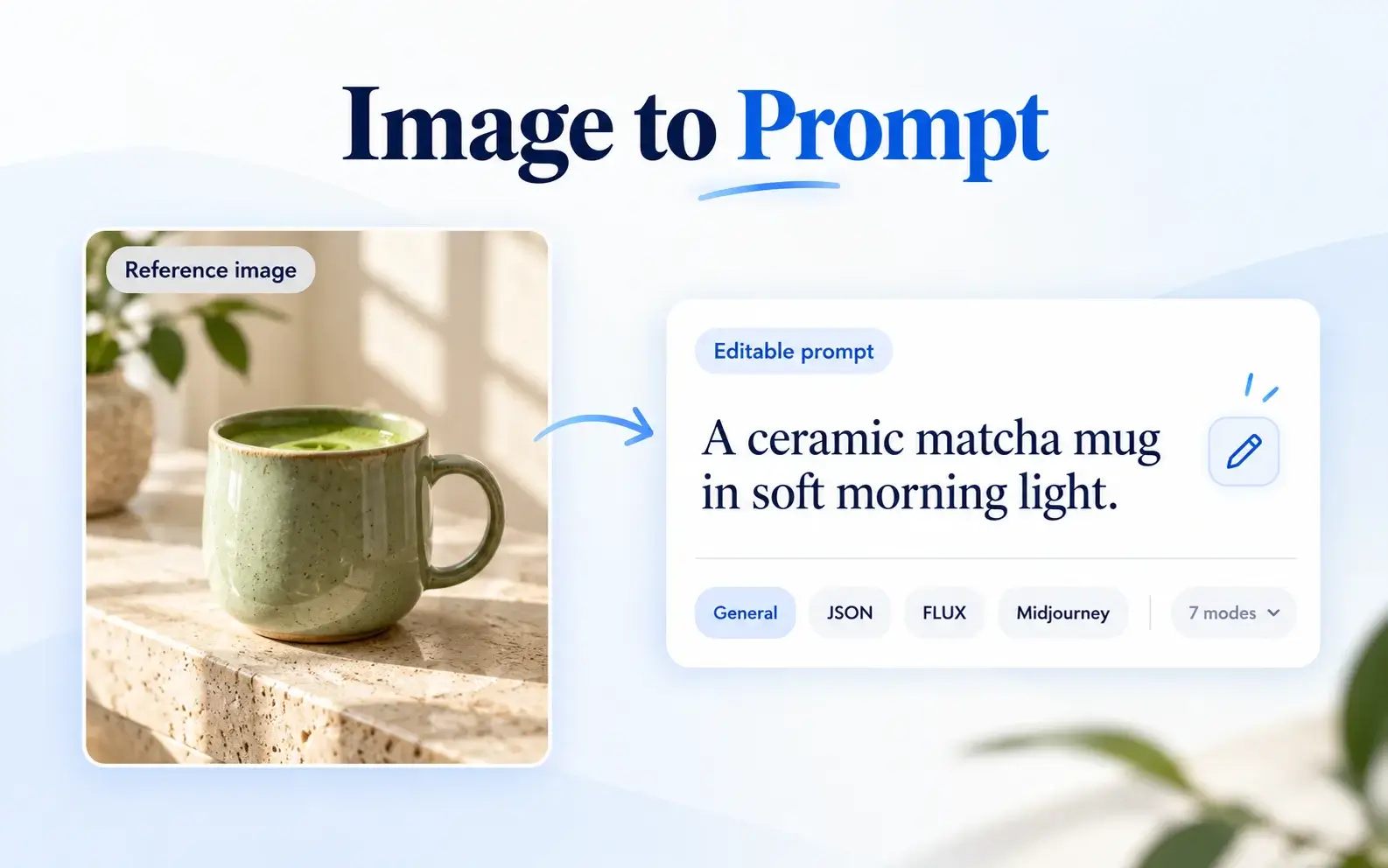

DESCRIBE PICTURE · IMAGE TO PROMPT
Turn reference images into creative prompts. Choose a mode, refine the text and reuse your ideas.
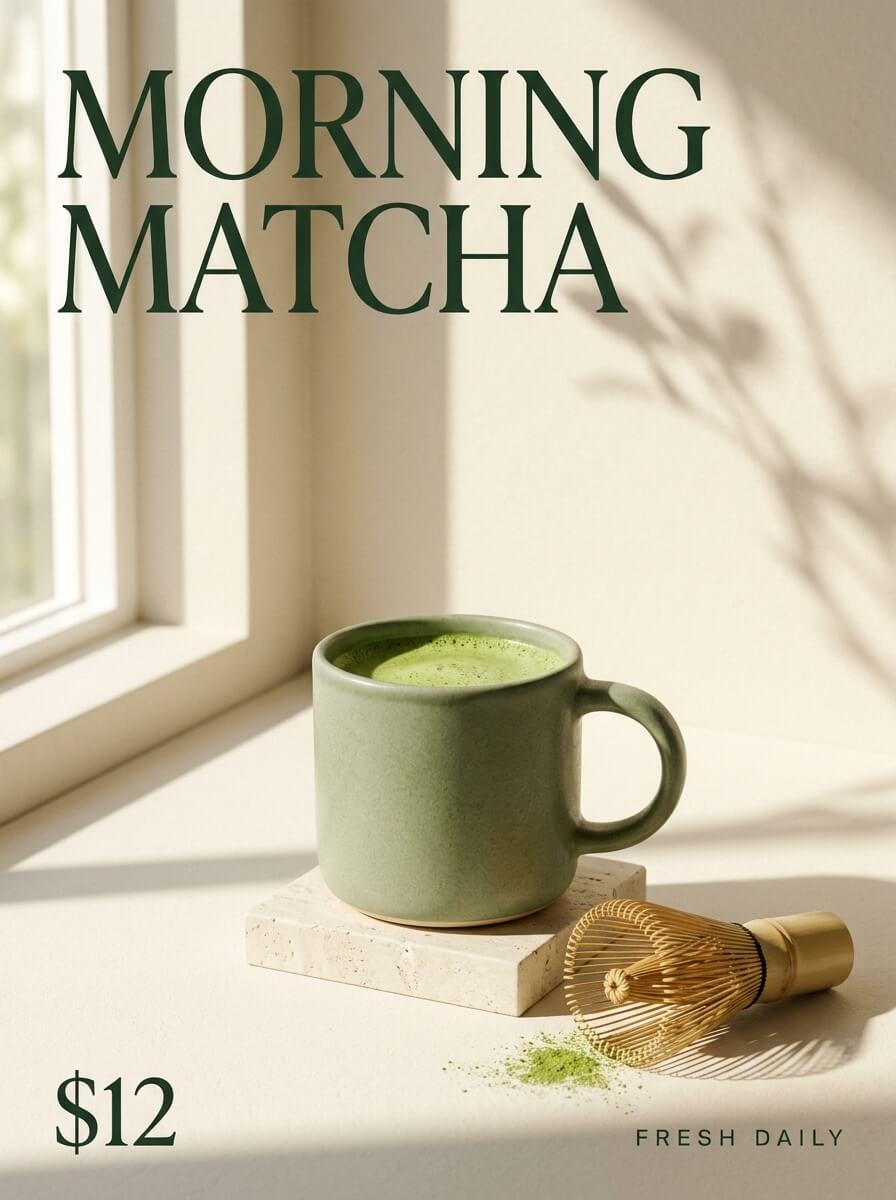
Real English outputs from this reference. Your own result uses your selected language.
Get a flexible prompt you can use as a starting point
Minimalist cafe poster photograph in warm cream tones: a sage-green ceramic mug of frothy matcha latte sits on a small travertine stone block beside a pale windowsill, soft morning sunlight casting long geometric window shadows and a blurred branch shadow across the beige wall. A bamboo matcha whisk with a gold handle lies to the right on the pale surface next to a small scatter of green matcha powder. Large dark-green serif headline reading "MORNING MATCHA" spans the top, with "$12" in the lower-left corner and spaced small caps "FRESH DAILY" in the lower-right. Clean, airy, editorial product styling.
Use our AI image to prompt generator to analyze visual details, refine your wording and export prompts in batches.
Start from one reference and choose a flexible General prompt or a format written for FLUX, Midjourney or Stable Diffusion. Take the resulting text into your preferred image workflow.
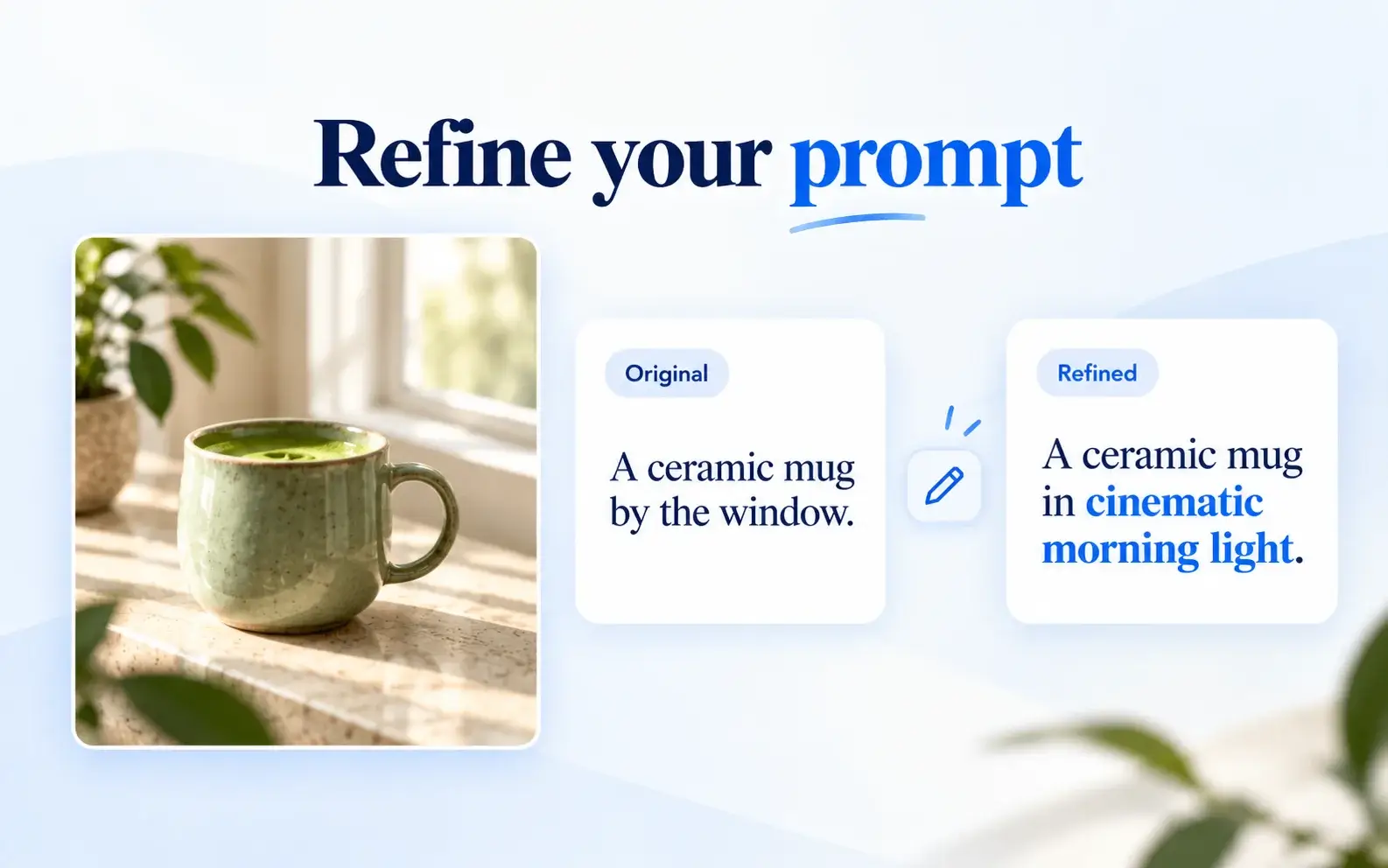
Refine your image-to-prompt result by adjusting the setting, style or length without rewriting everything. Preview the AI revision before applying it, or cancel and keep your previous prompt.
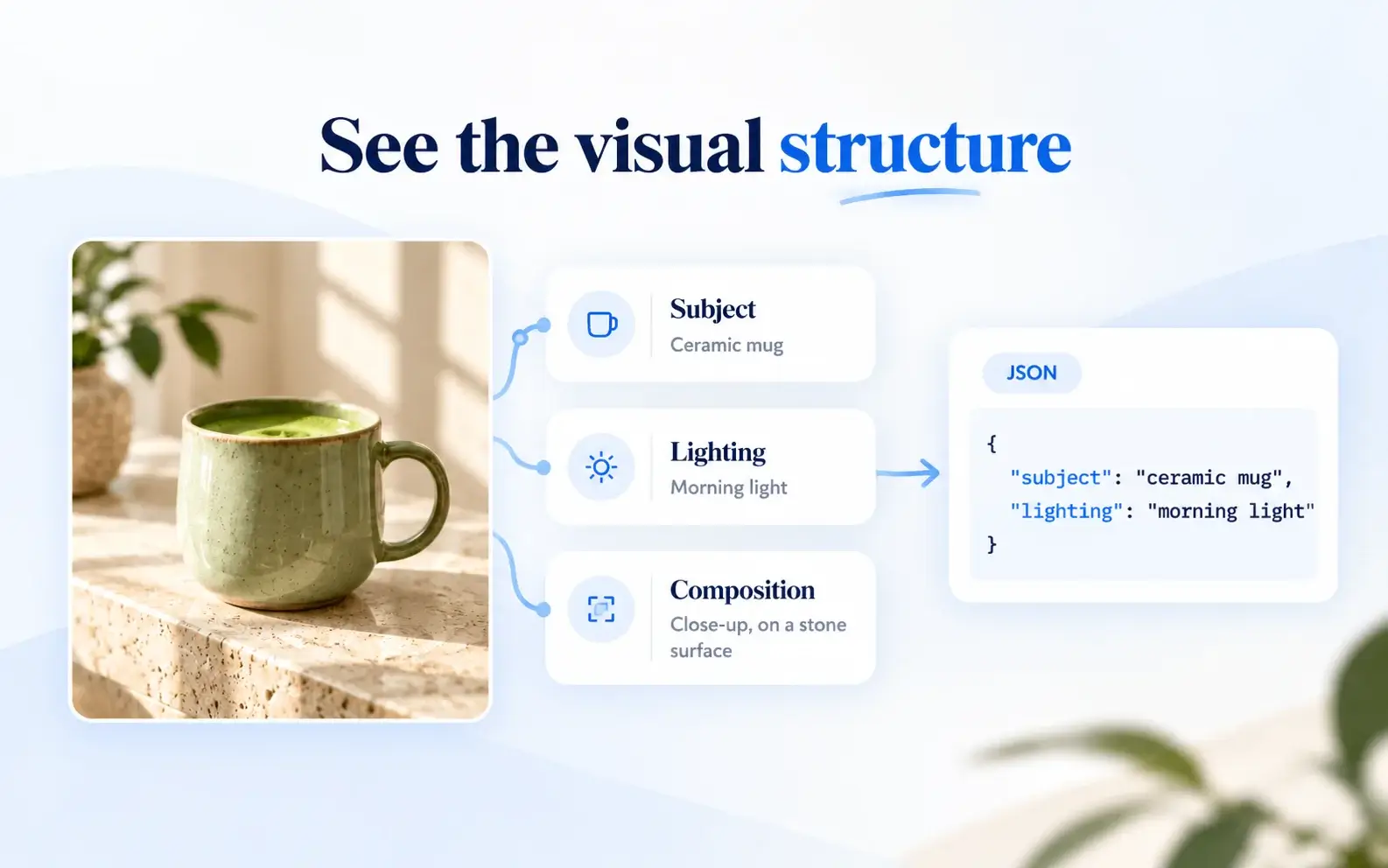
Structured image-to-prompt mode breaks a reference down into subject, environment, style, lighting and composition. Choose JSON when you want copyable structured data for a script or another workflow.
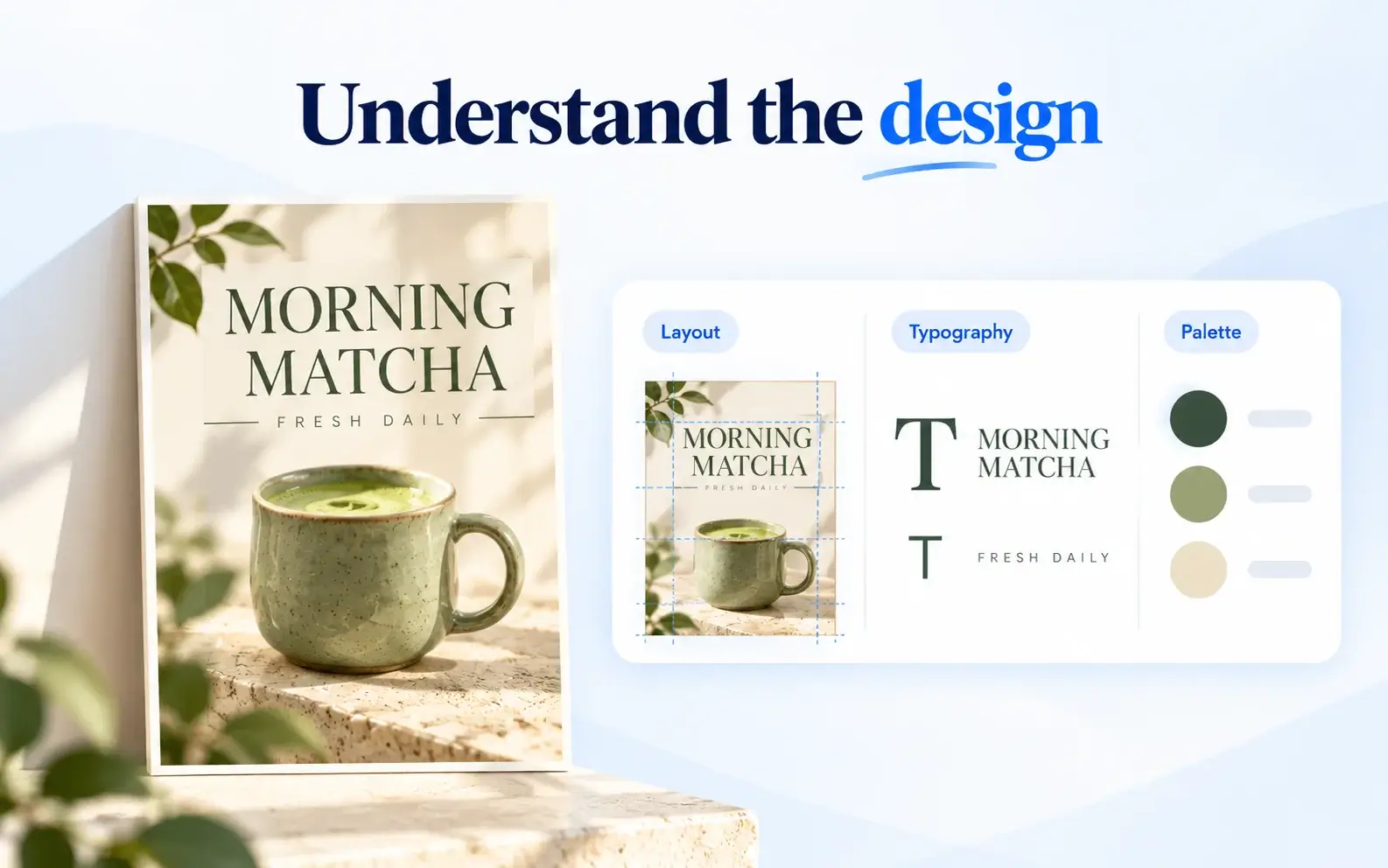
Explore the visible lettering, typography, layout, palette and balance of a poster, ad or menu. Graphic Design mode builds a prompt around those design choices.
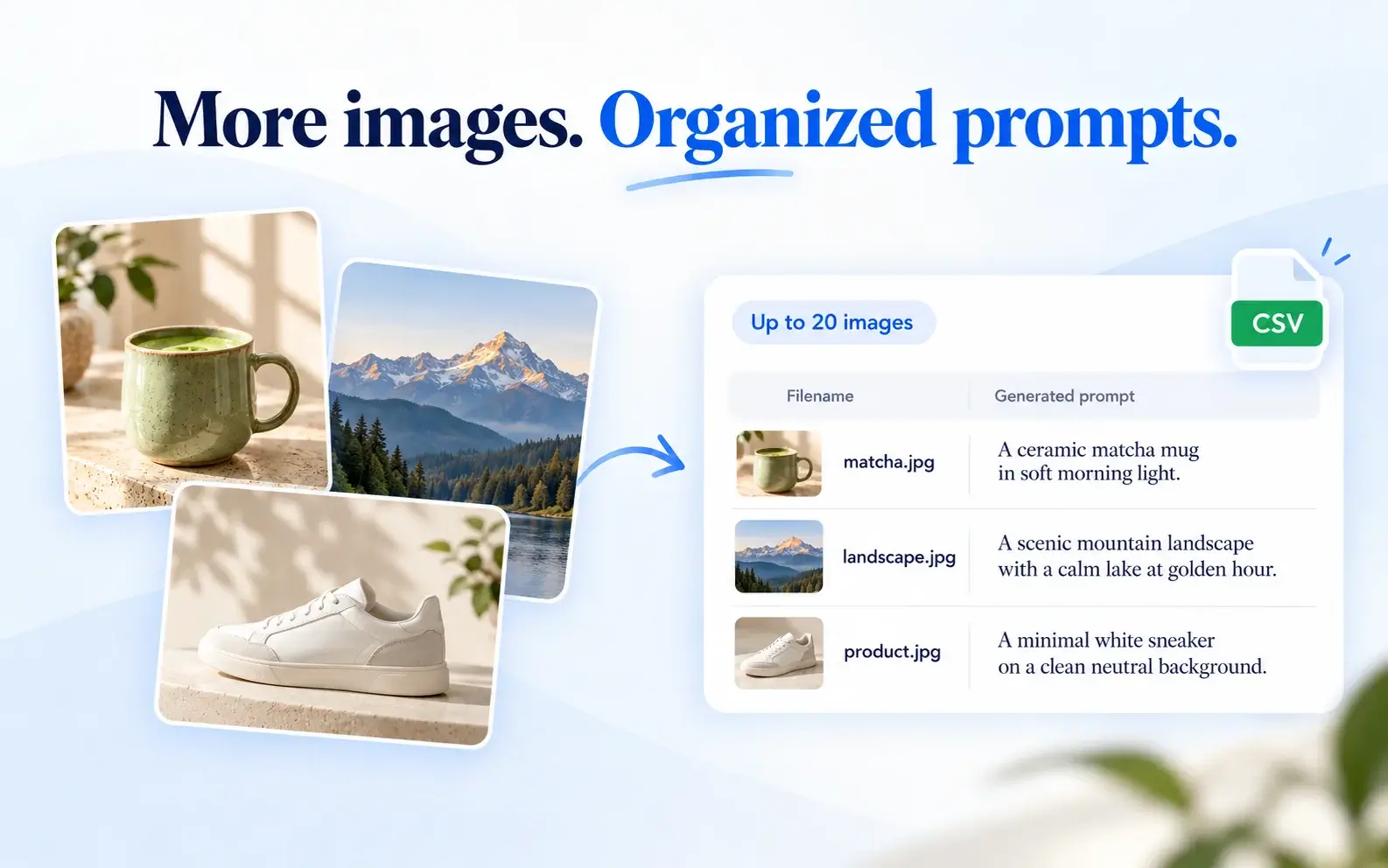
Sign in to add up to 20 images, processed one at a time. Keep each result matched to its filename, then copy the completed prompts together or download a CSV.
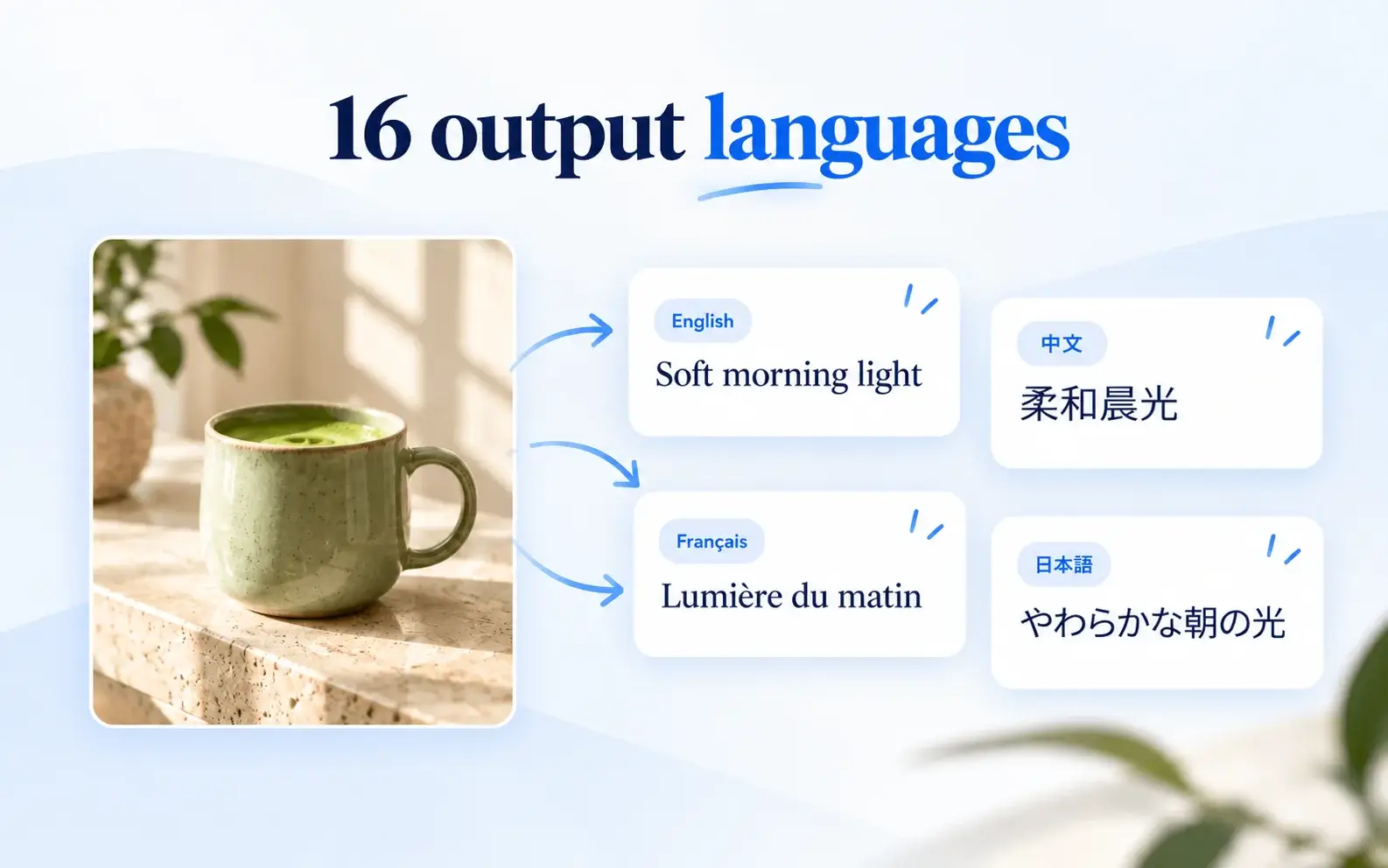
Choose one of 16 languages for your image-to-prompt results to suit your project or collaborators. Recognizable words, brands and prices visible in the reference stay in their original wording.
Add a reference, choose your output and make the prompt your own in three steps.
Upload a picture, paste an image or load a public image URL.
Pick the output format and language, then generate your prompt.
Check the text, make any changes and copy or export it for your next creative task.
An image to prompt tool for designers, AI image creators and content teams turning visual inspiration into creative briefs.
Turn visual references into descriptions of composition, style and layout.
Prepare prompt text for FLUX, Midjourney or Stable Diffusion without describing every detail from scratch.
Use product photos, campaign graphics and social visuals as starting points for new creative briefs.
Explore image-to-prompt workflows for visual references, product images, posters and reference collections.
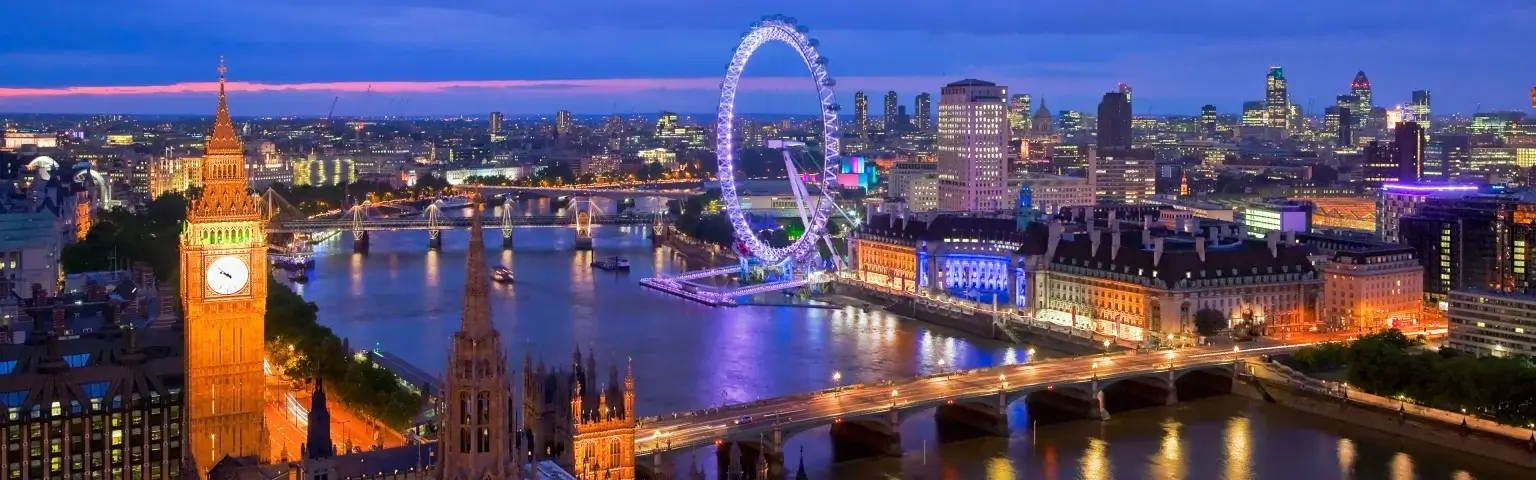
Start from the subject, colors and composition in a reference, then adapt the prompt to your idea.
Describe materials, lighting and product presentation for a new image brief.
Focus on visible lettering, typography, layout and palette with Graphic Design mode.
Create a filename-matched prompt list from a batch and export it as CSV.
Choose for the job you want to do next: get a ready-to-edit prompt, understand the image, work with data, or prepare text for a particular image tool.
These modes create prompt text. Use your chosen image-generation tool for the next step, and check its settings and price. Independent tool. Not affiliated with Black Forest Labs, Midjourney or Stability AI.
Use the result as a creative starting point, with a few details worth checking.
Tiny blurry text, complex layouts and hidden details can be misread. Check names, lettering and prices before using a result. A prompt is a new draft from visible content, not the original creator’s prompt, and does not guarantee an exact reproduction. Only upload images you have permission to use.
Privacy PolicyAnswers about the image to prompt generator, uploads, AI revisions, credits and privacy.
You can use available account or guest trial credits. A new shared-credit image analysis normally costs 1 credit and includes 5 follow-ups in the same group for 30 days. Existing plans may use their original allowance. The server quote confirms actual usage. Manual editing and copying are free.
PNG, JPG and WebP images up to 4 MB each are supported for free users, or 10 MB with paid access. Upload, drag, paste, or enter a public image URL. Batch processing requires sign-in and accepts up to 20 images, processed one by one.
Yes. Specify what to change and what to preserve in the AI revision request. Review the preview before applying it. Canceling the preview leaves the previous prompt unchanged.
No. The tool writes a new creative draft from visible content. It cannot retrieve the original wording, seed or hidden generation settings.
Images are processed through our private analysis service under our Privacy Policy. This page’s local history stores up to 20 prompt texts and settings in the current browser, without saving original images or promising cross-device synchronization.
Image to Prompt prepares a brief for future image generation or design. Image Describer explains what is in the image itself, for a description, caption or alt text.
It revises the prompt text. It does not create or modify an image. Tell it what to change and preserve, then review the preview. To create an image, use a separate image-generation tool and check that tool’s price.
A confirmed failed analysis releases its reservation. If the outcome is unknown, use Recover request to check the original task before submitting different instructions. The previous prompt is preserved. Restoring local text history lets you edit and copy; AI revisions require the reference image to be analyzed again.