
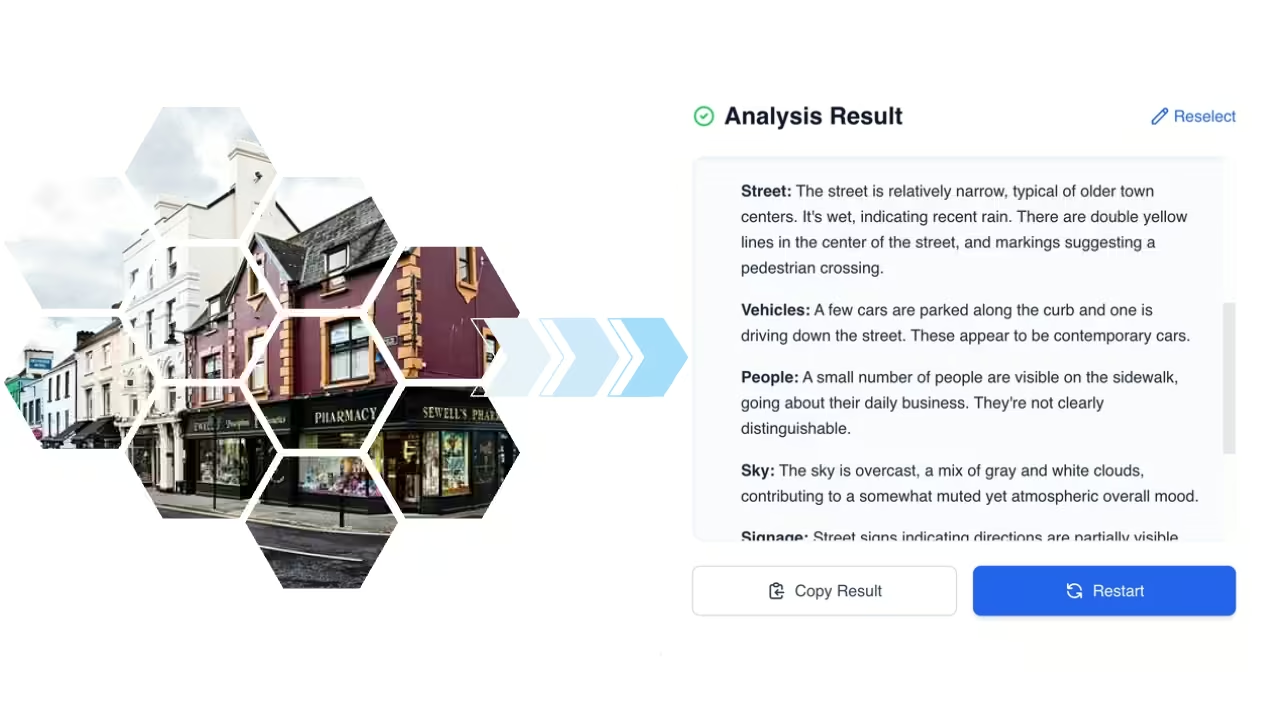
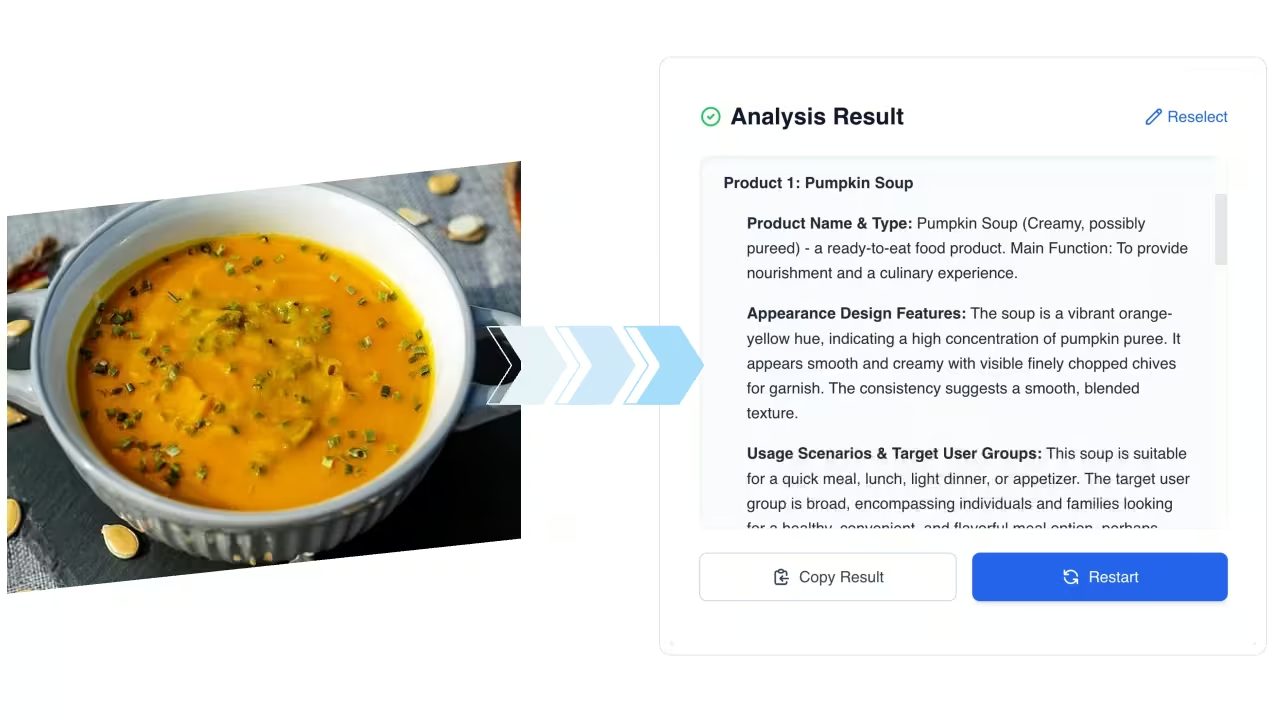
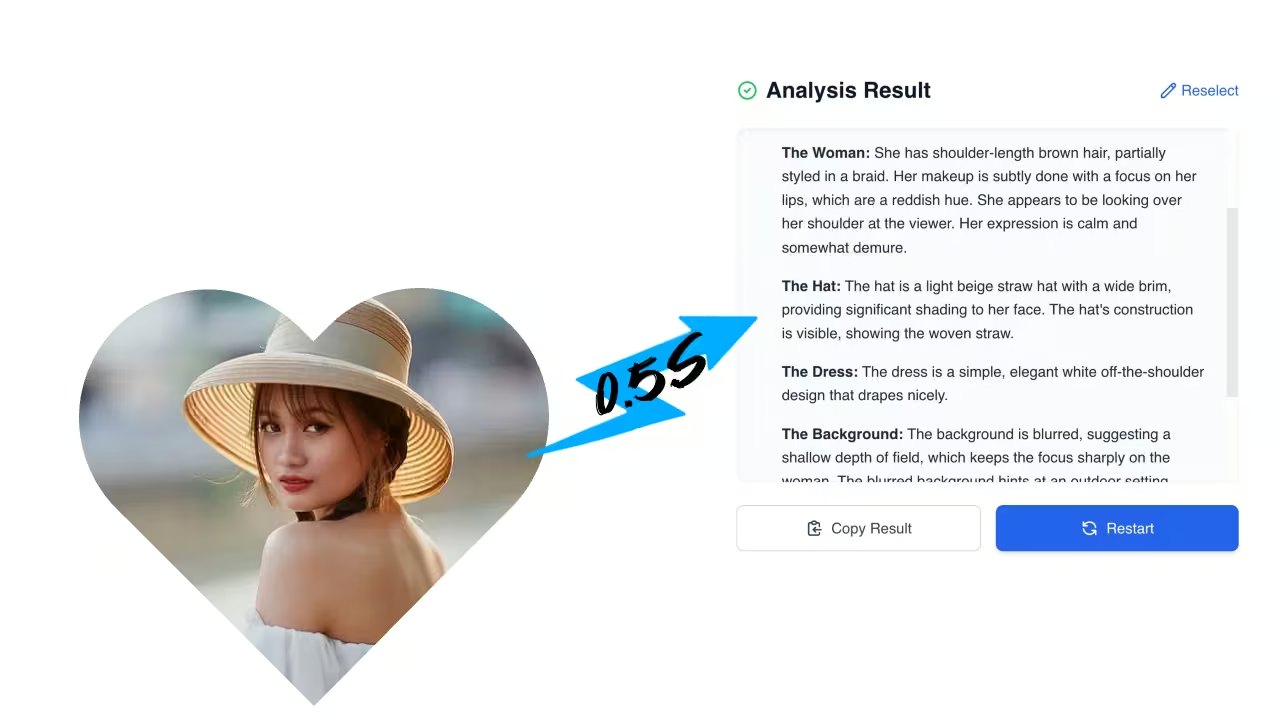

🚀 Meet FastMoroAI!Instantly generate stunning AI images & videos.

Try it now →

Image Describer – AI-Powered Tool for Captions and Alt Text

Turn any image into meaningful text using advanced machine learning. Designed to assist content creators, visually impaired users, and anyone needing fast image analysis.

Advanced Features of Image Describer

Powerful AI-driven tools to enhance your image description workflow

Intelligent Image Analysis

Intelligent Image Analysis

Image Describer utilizes advanced computer vision to analyze and understand complex visual elements in any image

Precise Descriptions

Precise Descriptions

Generate detailed, context-aware descriptions that capture every important aspect of your images for perfect SEO optimization

Lightning-Fast Results

Lightning-Fast Results

Get instant descriptions for your images with our optimized Image Describer technology and advanced AI processing

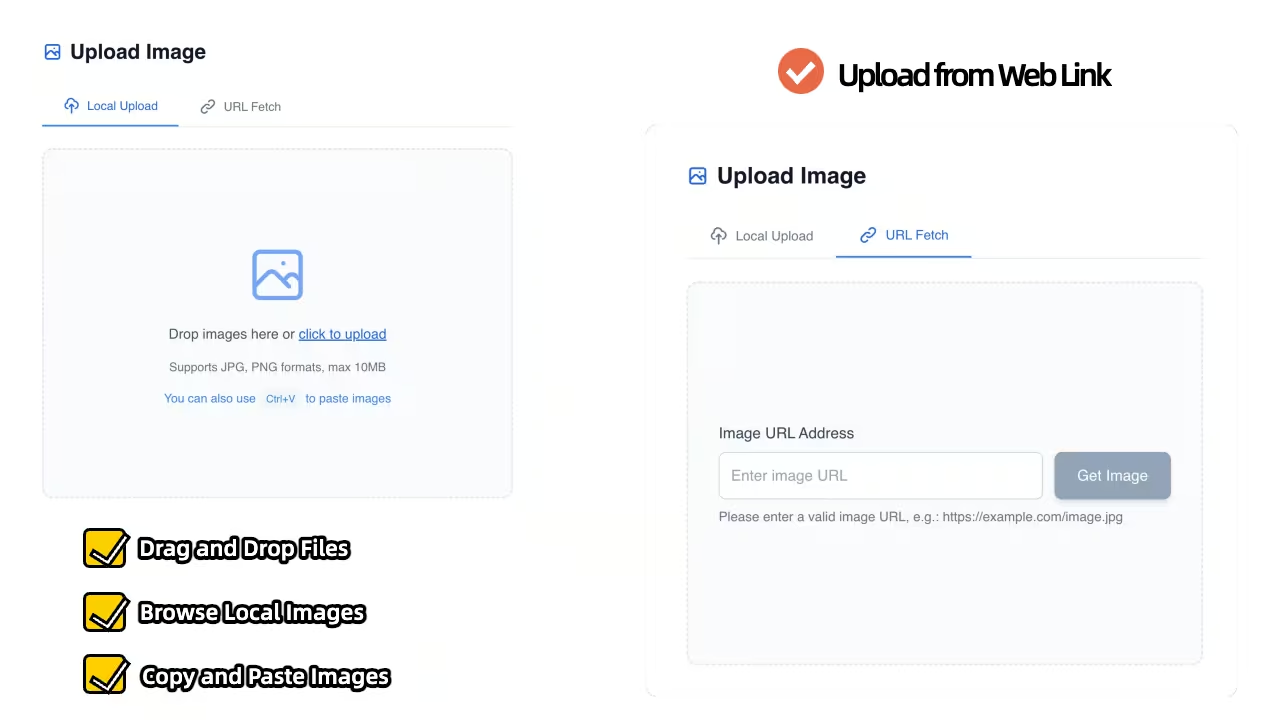
Multiple Upload Methods

Multiple Upload Methods

Image Describer supports flexible image upload options: local file selection, direct clipboard paste, and online image URL import for seamless workflow integration

Multi-Language Support

Multi-Language Support

Convert image descriptions into multiple languages with Image Describer's translation capabilities for global reach

How Image Describer Works

A simple three-step process to transform your images into powerful descriptions

1

Upload Your Image

Step 1: Upload Your Image

Simply drag and drop or click to upload any image to Image Describer's intuitive interface for instant processing

2

Select Function or Enter Prompt

Step 2: Select Function or Enter Prompt

Choose from preset function options (like detailed description, text extraction, product analysis, etc.) or enter your custom prompt to guide the AI analysis

3

Get Your Description

Step 3: Get Your Description

Receive a comprehensive, accurate description ready for immediate use in your website, app, or marketing materials

Image Description Examples for Different Content Needs

The value of an image description is in the information it carries into your next piece of content. A travel photograph, an accessibility description, and a product summary call for different results. These examples show how the same visible details can become concise copy, a fuller scene description, or a focused product overview.

City photography: a clear summary or a detailed scene
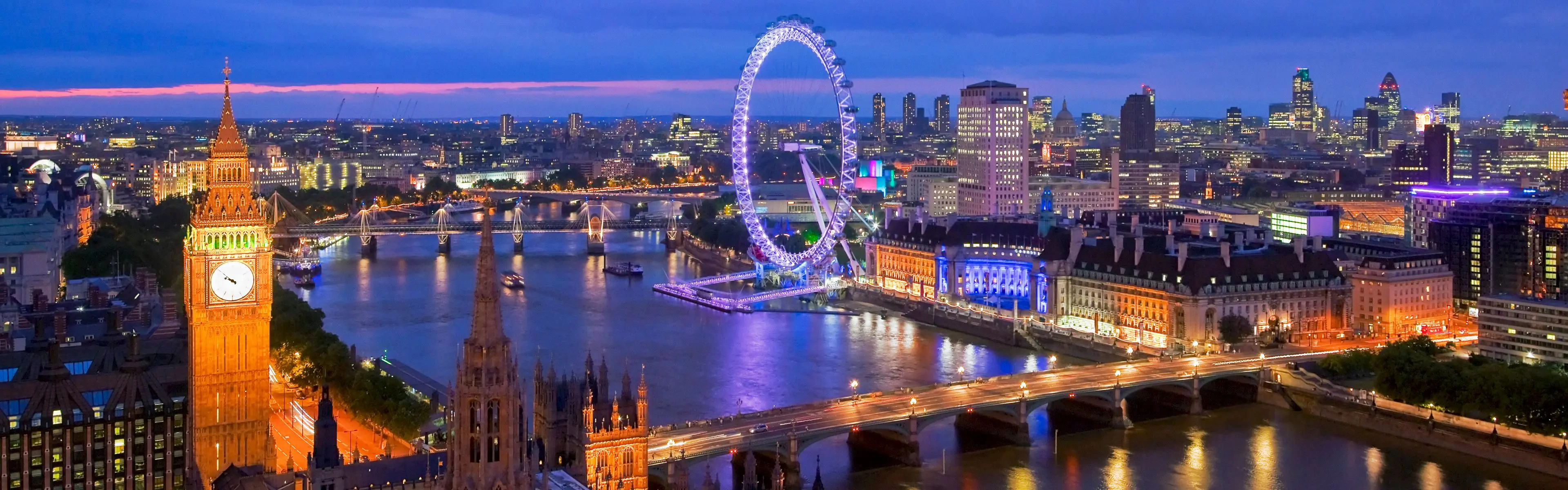
Illuminated London skyline with a clock tower, the London Eye, bridges, and reflections on the River Thames.
City scene with landmarks, lighting, and spatial relationships.

This photograph contains more than a list of landmarks. The clock tower occupies the left foreground, a bridge crosses the lower part of the frame, and the illuminated observation wheel stands across the river. Buildings, boats, and reflections add depth to the scene. A short description can carry the central idea into a photo library or image gallery, while a longer version preserves the arrangement and visual atmosphere for an editorial page.

Short description

London landmarks glow beside the River Thames at dusk, with a lit clock tower on the left and the London Eye across the water.

Detailed description

An illuminated clock tower rises in the left foreground beside the River Thames. A bridge spans the lower part of the scene, while the London Eye and riverside buildings form the skyline beyond. Purple, blue, and gold lights reflect on the water beneath a darkening sky with a narrow pink band near the horizon.

Both versions refer to the same picture, but retain different amounts of information. The longer result explains where the main elements sit in relation to one another. It gives a reader a clearer mental picture without inventing a date, an event, or the reason the photograph was taken.
Landscape photography: alt text and a publishable caption

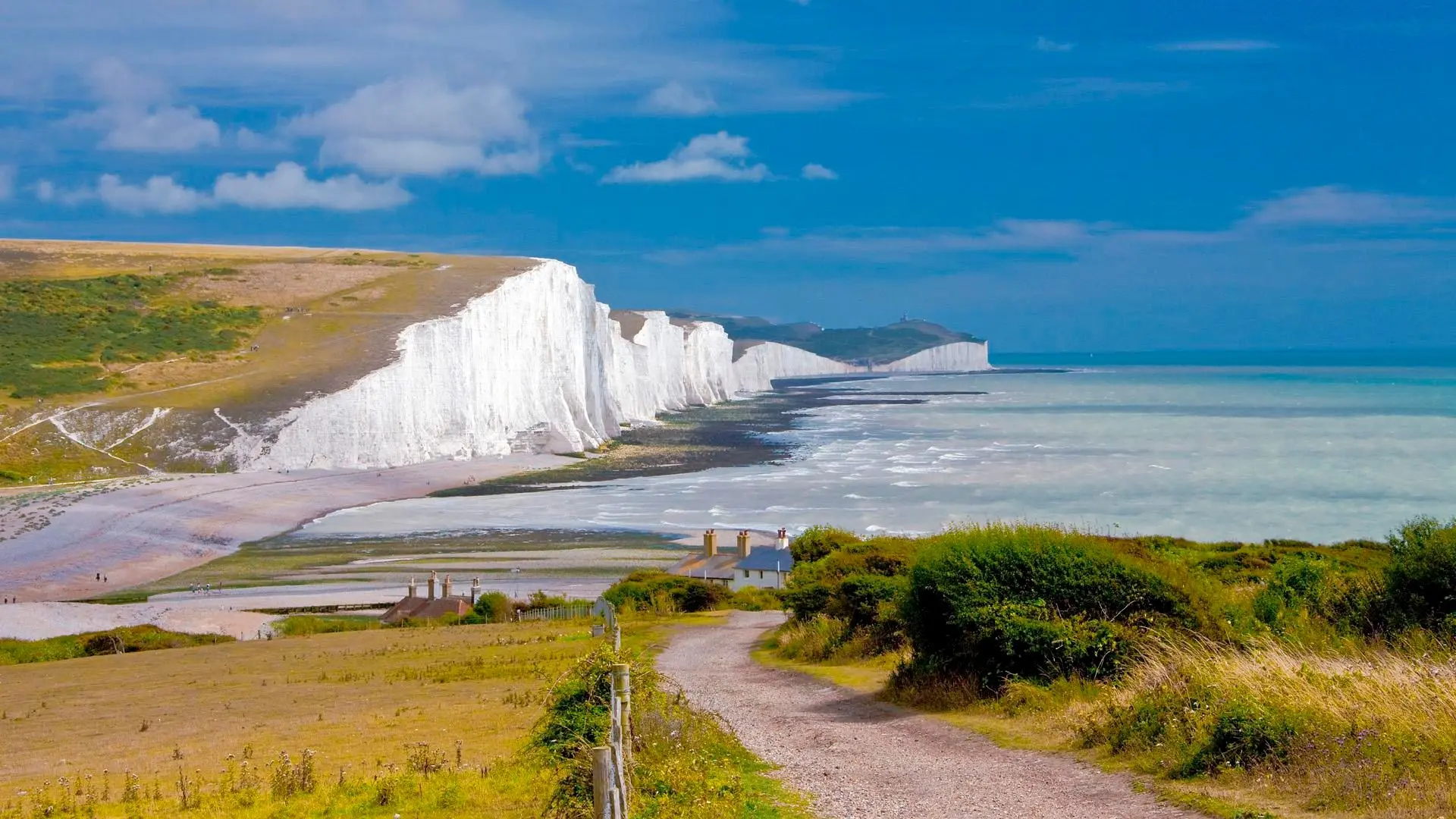
A path through grassy coastal fields overlooking white cliffs, a beach, and blue sea.
Coastal landscape with a foreground path and distant white cliffs.

The coastal image combines a winding foreground path, houses, green fields, a pale beach, and a line of white cliffs. For an image that introduces a walking route, the path and coastline may carry the most useful information. For a travel story, a caption can present the broader view in a more editorial voice. These are separate pieces of writing: one communicates the visual setting, while the other accompanies an image that the reader can already see.

Alt text for a coastal walking page

A gravel path descends through grassy fields toward coastal houses, with white cliffs curving around a beach beside blue sea.

Travel caption

A winding path, open fields, and sweeping white cliffs meet a blue coastal horizon.

The description includes the visible path, landforms, and their positions rather than simply calling the view beautiful. The caption keeps the same setting in a shorter form. Neither version turns the image into a claim about trail difficulty, current weather, access conditions, or the location of a named walking route.

Product and food images: appearance without invented claims

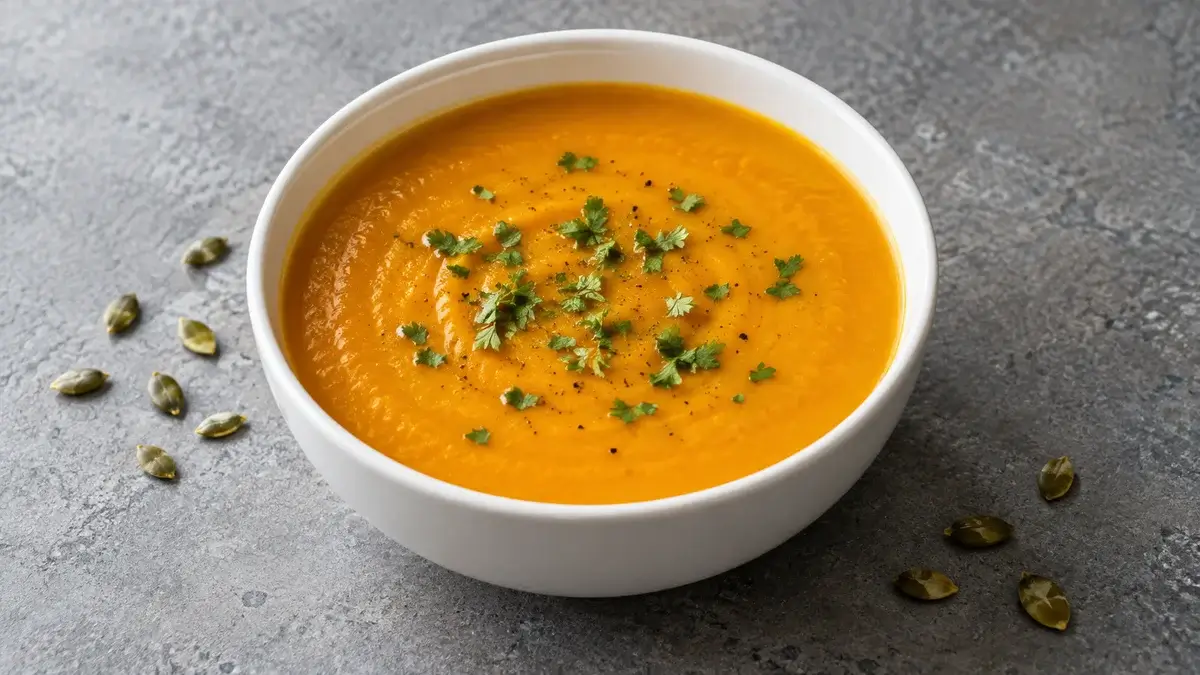
A white bowl of orange soup with green garnish on a gray tabletop, with scattered seeds nearby.
AI-generated food image illustrating visible colors, textures, and objects.

A product-oriented result can organize visible details into copy for a catalog, menu draft, or content brief. In this food example, the useful observations are the orange color of the soup, the white bowl, the green garnish, and the surrounding tabletop. Those details can support an appearance description. The photograph does not establish an ingredient list, portion weight, allergens, or nutritional values, so the accompanying copy keeps those specifications separate from what can actually be seen.

Appearance description

Orange-colored soup fills a white bowl and is topped with small pieces of green garnish. The bowl rests on a gray tabletop, with scattered seeds visible nearby.

Visible attributes

Main subject: a bowl of soup. Color: orange with green garnish. Container: a white bowl. Setting: a gray tabletop with scattered seeds.

The paragraph reads naturally as a content draft; the attribute summary makes the same observations easier to scan. This is useful when several people need a shared reference for an image. Product names, ingredients, prices, and promotional claims still come from the verified product information rather than from the appearance alone.

Different formats, the same visual evidence

The examples show two complementary kinds of image-to-text content: descriptions that retain context and summaries that make key information easy to reuse.

Connected visual details
The detailed scene brings together the main subject, setting, and relative positions, preserving information that a short label would omit. This helps distinguish similar photographs and creates a clearer reference for an article or image library.
Reusable content formats
The concise examples keep the central facts in a form that fits a gallery, caption, or catalog brief. Differences in length reflect the destination of the text, not a different set of facts about the picture.

The text examples are editorial illustrations based on the images shown, not recorded AI outputs from your current session. Generated results may differ.

Create a description for your own image

Image Describer Use Cases

Discover how our technology transforms workflows across industries

Web Accessibility

Web Accessibility

Make your website fully accessible with accurate alt text generated by Image Describer's advanced AI technology

Content Creation

Content Creation

Streamline your content workflow with automated image descriptions for blogs, social media, and digital marketing

Education

Education

Create inclusive learning materials with detailed image descriptions for all students using Image Describer

What Our Users Say

Discover how Image Describer is transforming workflows for professionals worldwide

"

"Image Describer has revolutionized how we handle image accessibility. It's fast, accurate, and incredibly easy to use. Our website's WCAG compliance score improved by 40% within a month."

Sarah Chen

Sarah Chen

Digital Accessibility Manager

"

"This tool has cut our image processing time in half. The descriptions are spot-on and SEO-friendly. Image Describer has become an essential part of our content creation workflow."

Michael Rodriguez

Michael Rodriguez

Content Marketing Director

"

"Image Describer is a game-changer for creating inclusive educational content. The accuracy is impressive! Now all our students can fully engage with our visual learning materials."

Emily Thompson

Emily Thompson

E-learning Developer

Frequently Asked Questions

Find answers to common questions about Image Describer's capabilities and features

Image Describer uses state-of-the-art AI models with 98% accuracy in identifying and describing image contents, trained on millions of diverse images across multiple categories and scenarios.

Image Describer supports all major image formats including PNG, JPEG, and WEBP. The maximum file size is 10MB per image for standard accounts and 25MB for premium subscribers.

Yes! Image Describer offers flexible customization options for description length, tone, and style to match your specific needs. You can select brief descriptions for social media, detailed technical descriptions for accessibility, or SEO-optimized text for marketing purposes.

Absolutely. Image Describer employs industry-leading encryption and security protocols. Your images and generated descriptions are processed securely, and we never store your visual content beyond the processing period required for description generation.